For three years, I worked at a desk that was quietly working against me. My laptop sat flat on the table, so I spent every day looking down at it like I was reading a book on my knees. My chair was the one that came free with the flat — hard, low, and slightly tilted to the left. The window was behind me, which meant that by mid-afternoon the sun turned my screen into a mirror. I blamed my wandering attention, my slow afternoons, and my stiff neck on everything except the obvious: the setup itself.
I finally fixed it, not in one grand redesign, but in a series of small, cheap changes over a single weekend. Nothing I did cost more than thirty pounds, and most of it cost nothing at all. My afternoons feel different now. My neck stopped complaining. And I start work faster in the morning, because sitting down no longer feels like settling into a mild punishment.
The weekend my neck filed a complaint
The breaking point was embarrassingly ordinary. One Friday evening I stood up from my desk and could not turn my head to the left. Not dramatically — just a sharp, annoying stiffness that made reversing the car interesting. I had a deadline the following Monday, so I spent the weekend working anyway, perched on cushions, wincing every time I reached for my coffee.
On Sunday night, I did something I should have done years earlier: I actually looked at my workspace instead of just sitting in it. I took a photo of my desk from the side, and the picture told the truth my body had been telling me for months. My head was jutting forward. My shoulders were hunched. My wrists were bent upward at a strange angle because the laptop keyboard was too low and too close. I looked like a question mark.
That photo is still on my phone. I keep it because it reminds me that discomfort is information, not a personality trait. I was not "bad at sitting still." I was sitting badly.
Step one: get the screen to eye level
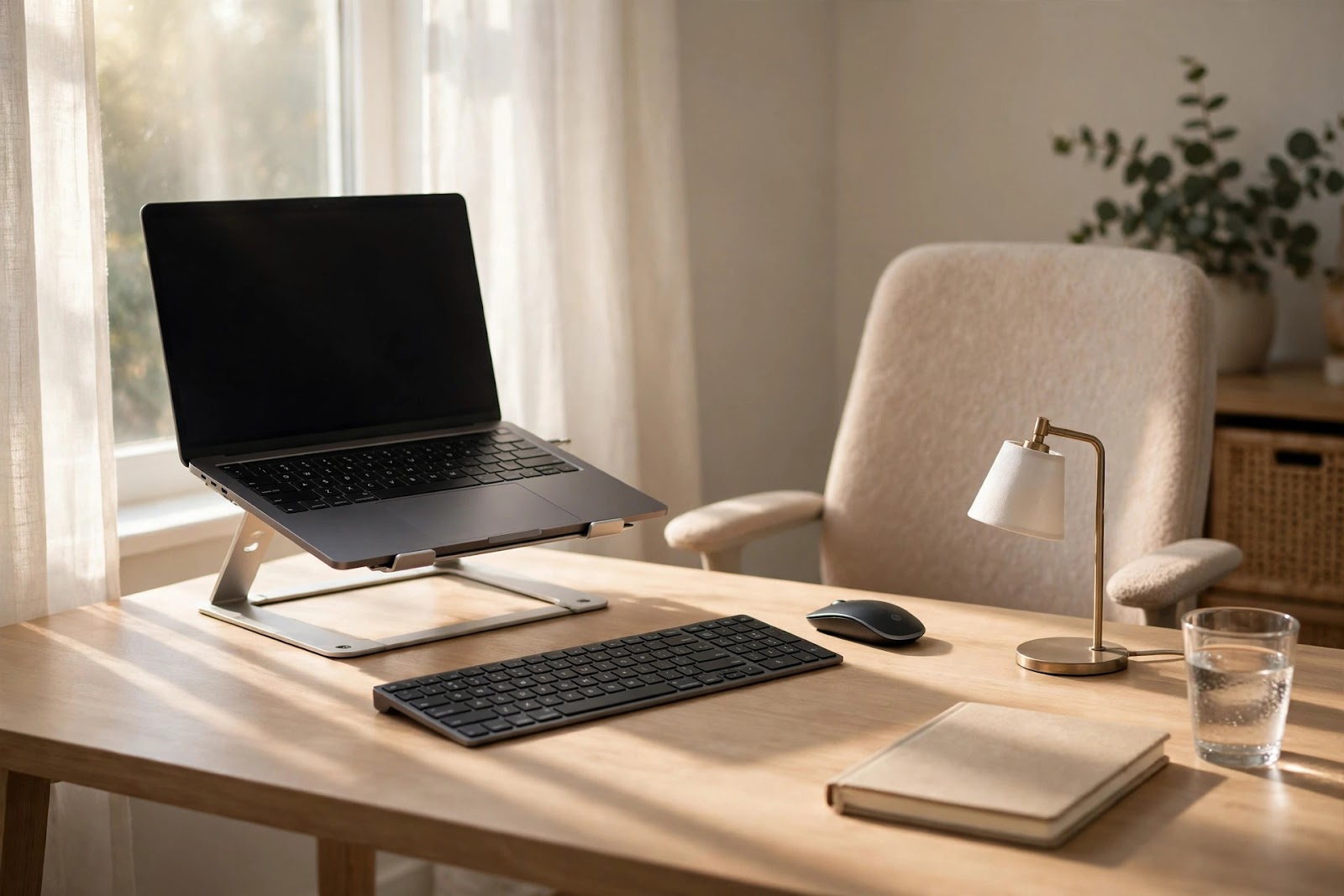
This was the single biggest change, and it cost me nothing. A laptop screen sitting flat on a desk is almost always too low. Your eyes should meet roughly the top third of the screen without tilting your head down. Mine was a full head-tilt below that.
I started with a stack of hardback books — four of them, about fifteen centimetres in total. Instant improvement, zero cost, and deeply ugly. A week later I replaced the books with a simple laptop stand that cost about twenty pounds. Same height, less wobble, and my laptop stopped overheating because air could finally get underneath it.
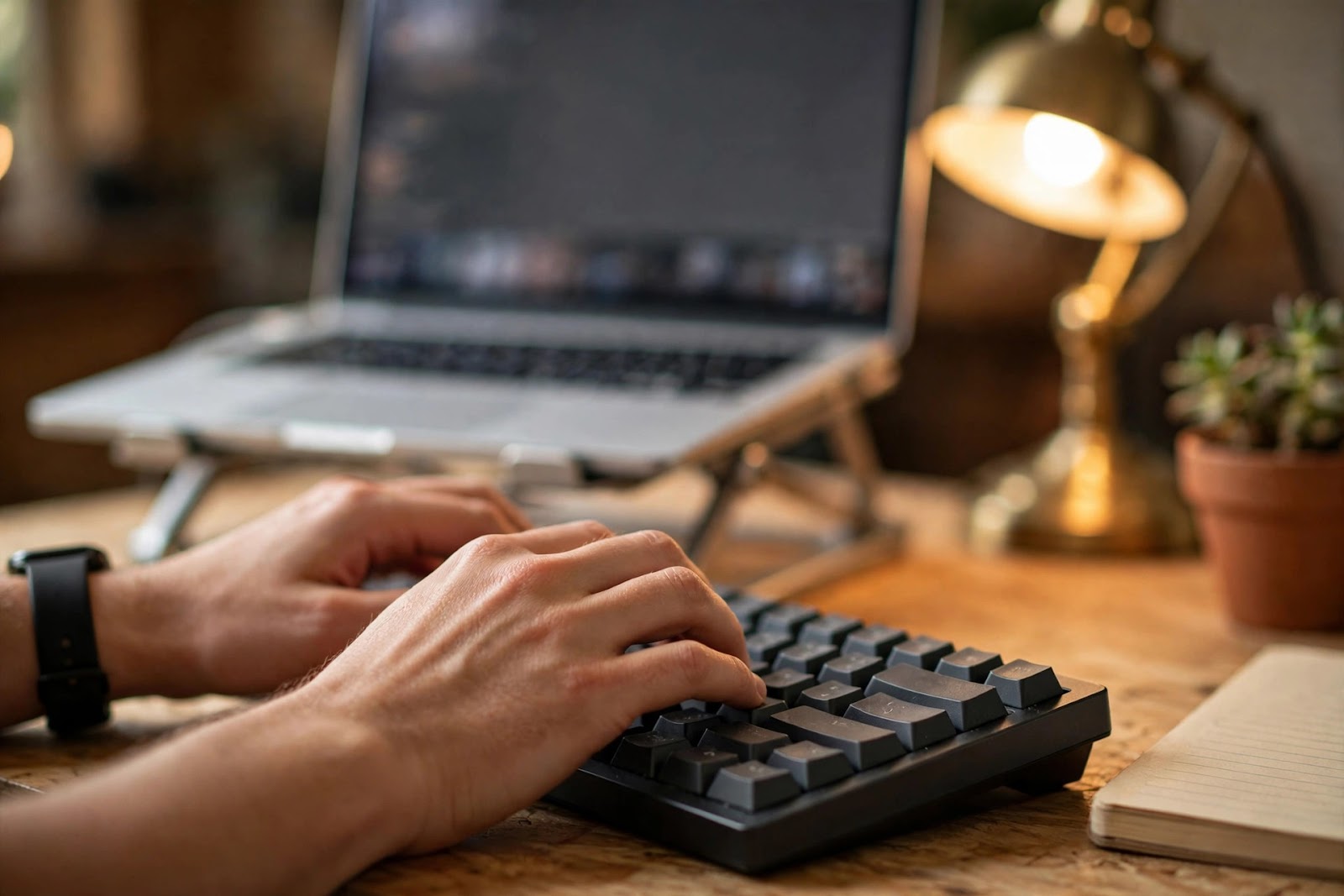
One honest warning: raising the screen ruins the laptop keyboard position. Your hands end up reaching up, which trades neck pain for wrist pain. The fix is a separate keyboard and mouse, which I already owned but had never bothered to plug in. The keyboard sits flat on the desk, my elbows rest at roughly ninety degrees, and my wrists stay straight. If you only change one thing from this whole article, change this: screen up, keyboard separate, wrists straight.
The chair I already owned (adjusted properly)
I did not buy a fancy chair. I adjusted the one I had, and it turned out the old chair was not the villain — my settings were. I raised the seat until my feet rested flat on the floor with my knees at about a right angle. Before that, I had been sitting too low, which pushed my hips back and rounded my lower back all day.
Then I fixed the lumbar support, which sounds technical but is really just a small cushion. I rolled up a hand towel, tucked it into the small of my back, and immediately understood why my back ached by four o'clock. The towel cost nothing and stayed there for a month before I replaced it with a proper lumbar cushion for about twelve pounds.
Here is the part nobody tells you: a good chair setup still fails if you sit in it for four hours without moving. I stand up every hour, even if it is just to walk to the kitchen and back. The chair supports me; it does not imprison me. Movement is part of the setup, not a break from it.
Light: the free upgrade I kept ignoring
My window-behind-me problem had a simple answer: turn the desk ninety degrees. Now the window is to my left, and daylight falls across the desk instead of straight onto the screen or straight into my eyes. Glare dropped immediately, and I stopped squinting by mid-afternoon.
For evenings, I added a small desk lamp with a warm bulb, positioned to light the desk surface rather than shine at the screen. The overhead room light alone had been creating a bright ceiling and a dim desk, which is a recipe for eye strain. The lamp cost about fifteen pounds, and it made evening work feel less like working in a cave.
If your room has one harsh overhead light, try this before buying anything: turn it off, use a desk lamp, and see how your eyes feel after an hour. Mine felt better within a day. I wish I had tested it years earlier instead of assuming eye strain was just part of working on a screen.
Sound and the invisible walls
Physical setup is not only furniture. Sound shapes focus as much as any chair. My flat faces a busy road, and for years I worked with traffic noise washing over me, telling myself I had tuned it out. I had not. I was just paying for it with attention I never noticed leaving.
I tried three things, in order of cost. First, closing the window and the door — free, and it cut the worst of the noise. Second, a pair of earplugs for deep-focus sessions, about five pounds for a pack that lasted months. Third, a white-noise app on my phone during the noisiest hours, set low enough to mask the road without becoming its own distraction.
I am not claiming silence is necessary. Some people work well with music or background chatter. My point is narrower: decide your sound on purpose. Random noise you never chose is not ambience. It is interruption with a polite name.
Zones: one desk, three jobs
The last change was about layout, not equipment. I split my desk into three rough zones, and this sounds fussy until you try it. The centre zone holds the screen and keyboard — the work itself. The left zone holds the notebook, pen, and anything I am reading from. The right zone holds water, coffee, and nothing else.
Why bother? Because before the zones, everything migrated to the centre. Papers crept under the keyboard. The coffee mug colonised the mousepad. My notebook ended up behind the screen, forgotten. Each creep added a tiny friction to starting work, and friction adds up. Now, when I sit down, the work zone is already clear, because nothing else is allowed to live there.
Cables got the same treatment. I spent twenty minutes with a handful of cable clips, routing the charger and monitor cables along the back edge of the desk instead of letting them snake across the surface. It is not beautiful. It is functional, and my mouse no longer snags on a charger cable at the worst moment.
Distance and brightness: the two settings I never touched
Two screen settings sat untouched for years, and both mattered. First, distance: my face was about thirty centimetres from the screen, far too close, because the laptop was flat and I leaned in to read it. Once the screen was raised, I naturally sat back to around an arm's length, and my eyes relaxed within days. If you catch yourself leaning in, push the screen back before you blame your eyesight.
Second, brightness: my screen was set to maximum, all day, every day, which is like shouting at your own eyes. I turned it down to match the room — brighter in daylight, dimmer in the evening — and the headaches I used to get around five o'clock faded. Most laptops do this automatically now, but mine had the setting switched off, and I had never thought to look.
What I would do differently next time
Two mistakes are worth naming. First, I bought things before measuring. My first laptop stand was too tall, because I guessed instead of measuring the fifteen centimetres that had worked with the book stack. Measure your working height first, then buy to match it. Guessing wastes money and a return trip.
Second, I tried to change everything on the same day. By Saturday evening I was so busy adjusting that I had done no actual work and felt more unsettled than before. The changes that stuck were the ones I made one at a time, lived with for a day, and then kept or adjusted. Slow beats spectacular here.
If you are starting from a bad setup like mine, here is the order I would follow: screen height first, then keyboard and wrist position, then chair height and back support, then light, then sound, then zones and cables. Each step is cheap or free, and each one makes the next easier to judge.
One more thing worth saying plainly: a good setup does not make you a different person. I still have slow days, I still get distracted, and I still end some afternoons wondering where the time went. What changed is simpler and better than that. My body stopped protesting, my eyes stopped aching, and sitting down to work stopped feeling like a chore I had to brace for. That is a smaller claim than most productivity advice makes, and it is one I can actually stand behind. If your workspace is quietly working against you, spend one weekend looking at it properly. Start with the screen height, and see what your neck says on Monday.